
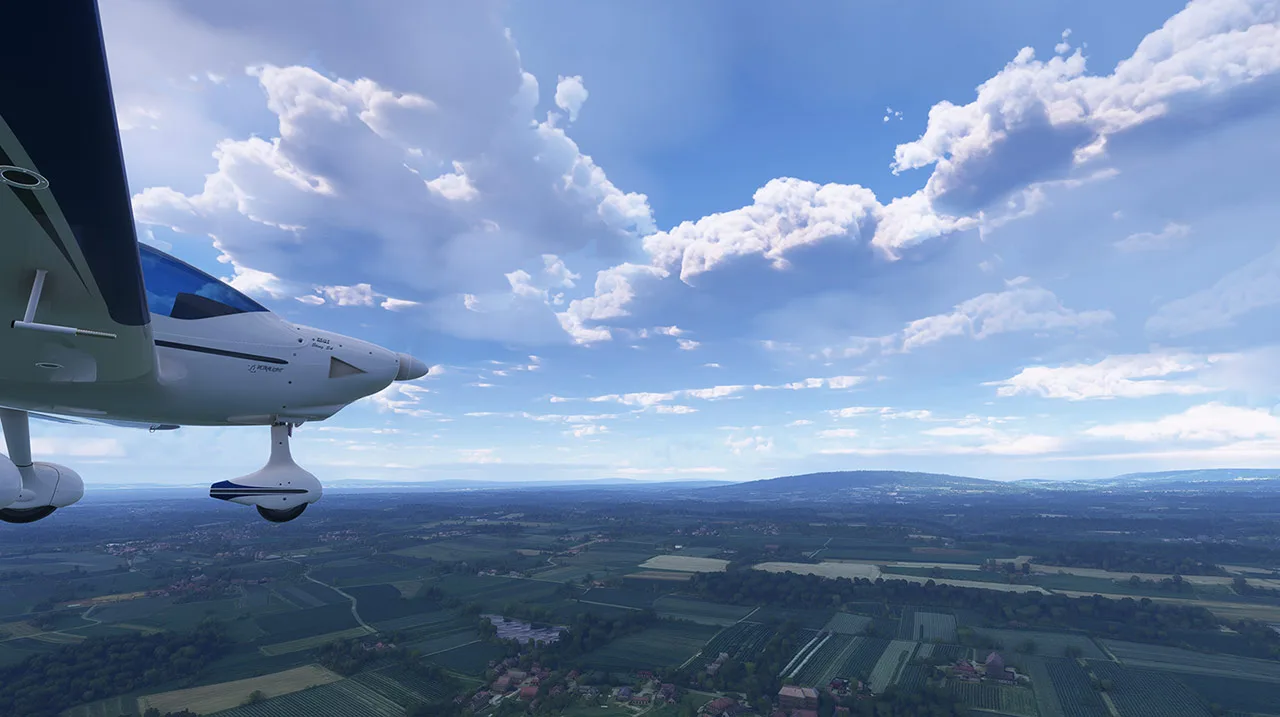
Atmos - Legacy
The ultimate visual enhancement tool for Microsoft Flight Simulator 2020 — real-time, immersive environment enhancements from the ground to the sky.
Trusted by thousands of pilots worldwide.
Atmos Legacy transforms your MSFS 2020 world with real-time rendering and full customization — fully compatible with all add-ons, including REX products, ActiveSky, Asobo Live Weather and saved or imported presets.
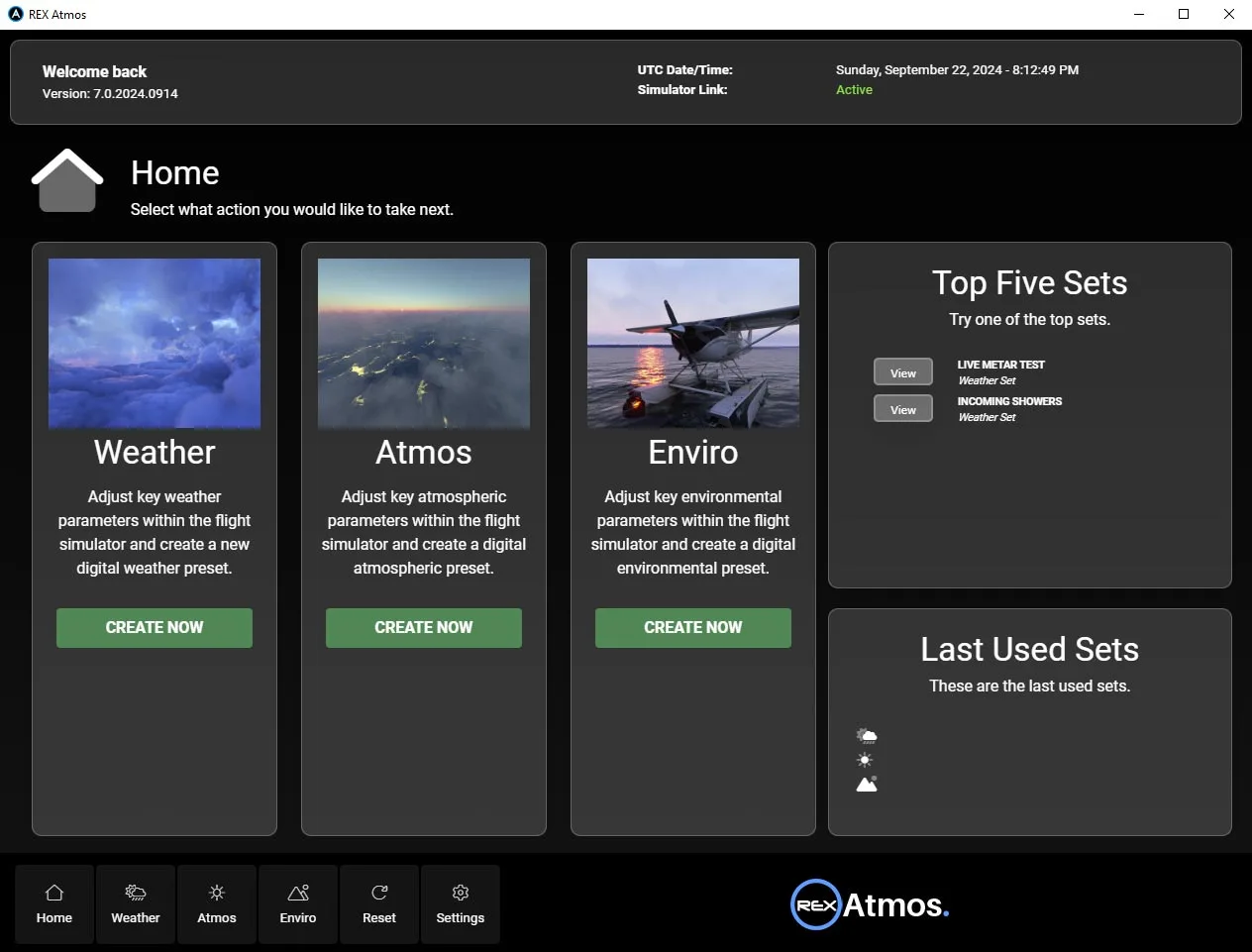
Simple & Easy to Use
Our intuitive interface puts simplicity first, letting you enhance your environment with just a few clicks. With a clean, organized layout, Atmos Legacy makes it effortless to create the perfect look. Dive in and elevate your simulation experience with ease.
- Enhance your environment in just a few clicks
- Clean, organized layout
- Effortless to create the perfect look
Real-Time Rendering
Enjoy instant feedback as you adjust parameters, with real-time rendering that updates your changes on the fly.
- Instant feedback as you adjust
- Changes update on the fly
- No guesswork
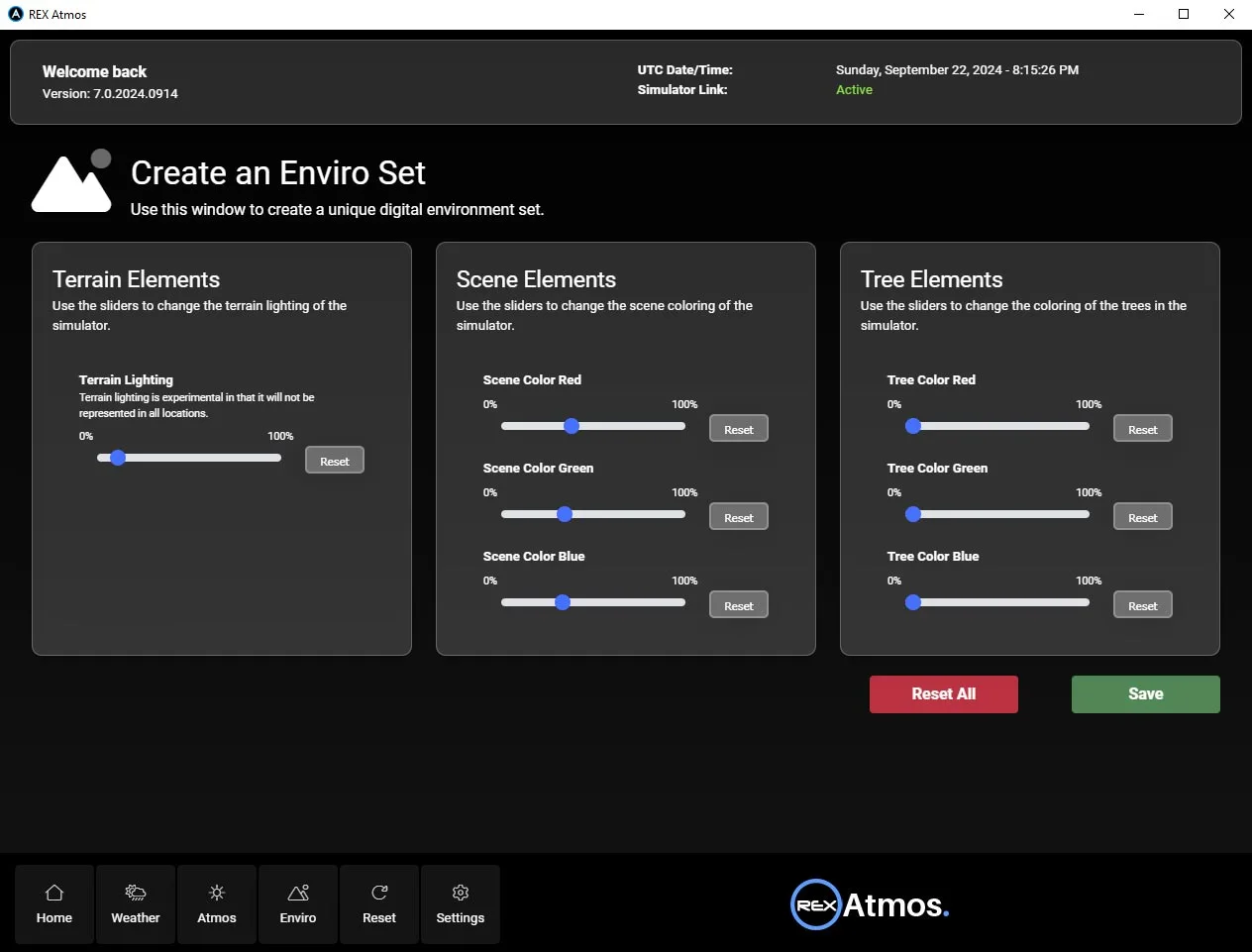
Complete Customization
From ground to sky, the level of control is unmatched, offering limitless possibilities for your flight sim visuals.
- Control from ground to sky
- Limitless visual possibilities
- Unmatched level of control
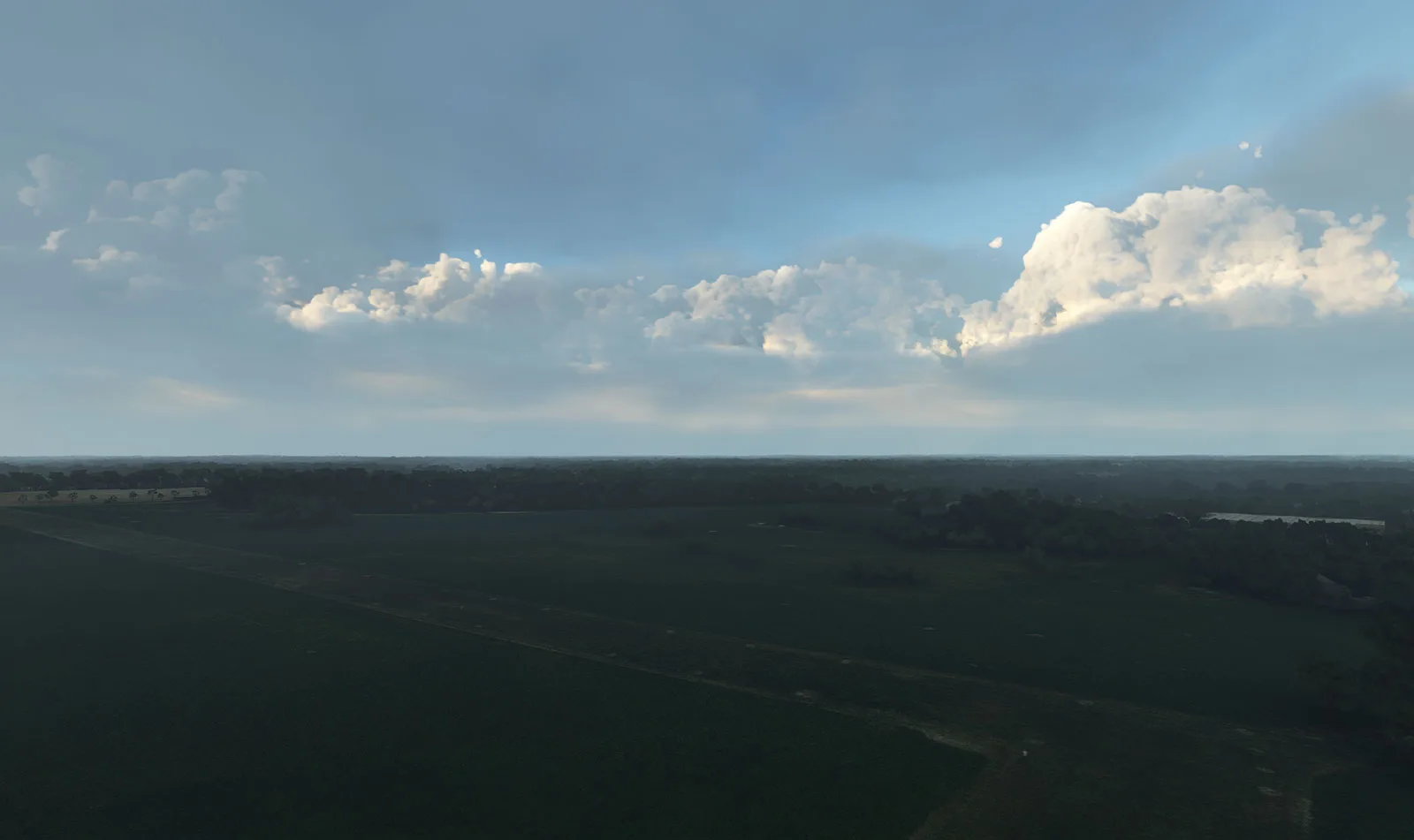
Ozone Function & Rayleigh Scattering
Atmos Legacy introduces an advanced ozone function for realistic atmospheric visuals, along with true Rayleigh scattering for stunning light effects that bring the sky and clouds to life.
- Advanced ozone function
- True Rayleigh scattering
- Stunning, lifelike light effects
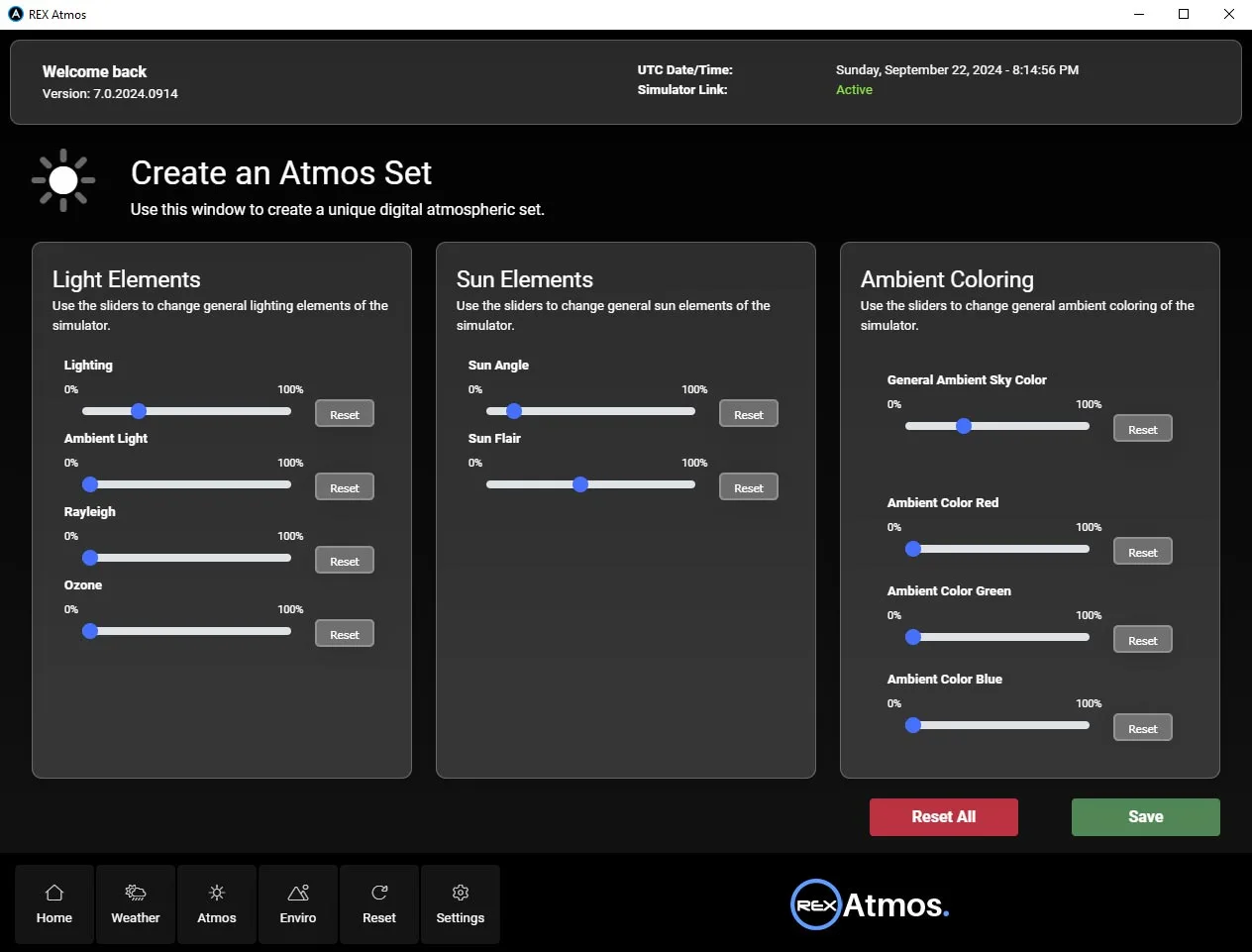
Safe & Non-Destructive
Atmos Legacy is built to be non-destructive, preserving your simulator's core files while you experiment with new visual experiences. When you exit Atmos Legacy or select RESET within the application, your simulator seamlessly reverts to its original state.
- Core simulator files preserved
- Revert instantly on exit or RESET
- Experiment with zero risk

Visual Cloud Enhancement
Atmos Legacy addresses the occurrence of overly dark cloud coloring (commonly referred to by the community as “ash clouds”) within the simulator, replacing it with beautifully rendered, natural looking clouds that enhance the overall visual realism. You can customize this feature to your liking, just like all the other features in Atmos Legacy!
- Fixes overly dark “ash” clouds
- Natural, beautifully rendered clouds
- Fully customizable to taste
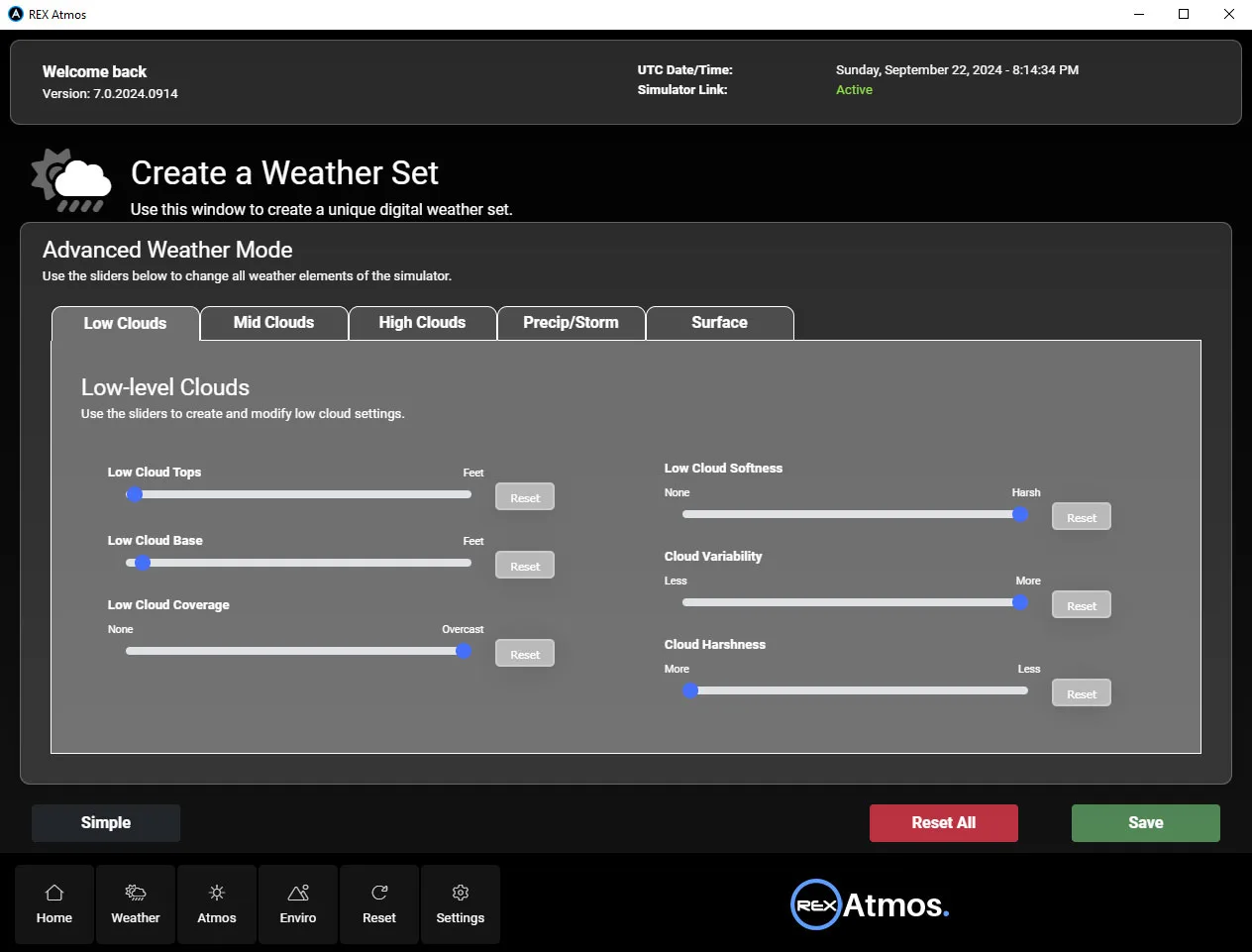
Weather Scenarios
Create fully customized weather environments and save your favorite setups and share them exclusively with other Atmos Legacy users. Once shared, your friends can join in, experiencing the exact same weather during their flights, adding a new level of multiplayer fun and immersion.
- Create & save custom weather
- Share exclusively with other users
- Fly the same weather together

Works With Everything
No matter if you're using Asobo live weather, custom-created weather, external weather engines like REX Weather Force or ActiveSky, or saved and imported weather presets, Atmos Legacy seamlessly integrates with your current setup.
- Asobo Live Weather & presets
- REX Weather Force & ActiveSky
- Saved & imported weather presets
Simple, powerful, safe
Simple & easy to use
Enhance your environment with just a few clicks via a clean, organized interface.
Real-time rendering
Instant feedback — adjust a parameter and watch the world update on the fly.
Safe & non-destructive
Core sim files are preserved; exit or RESET and your sim reverts to its original state.
Complete customization
From ground to sky, the level of control is unmatched — limitless possibilities.
Full compatibility
Live weather, custom weather, ActiveSky, Weather Force and saved presets — all supported.
Cockpit-safe
Atmos enhances the world outside without affecting your in-cockpit environment.
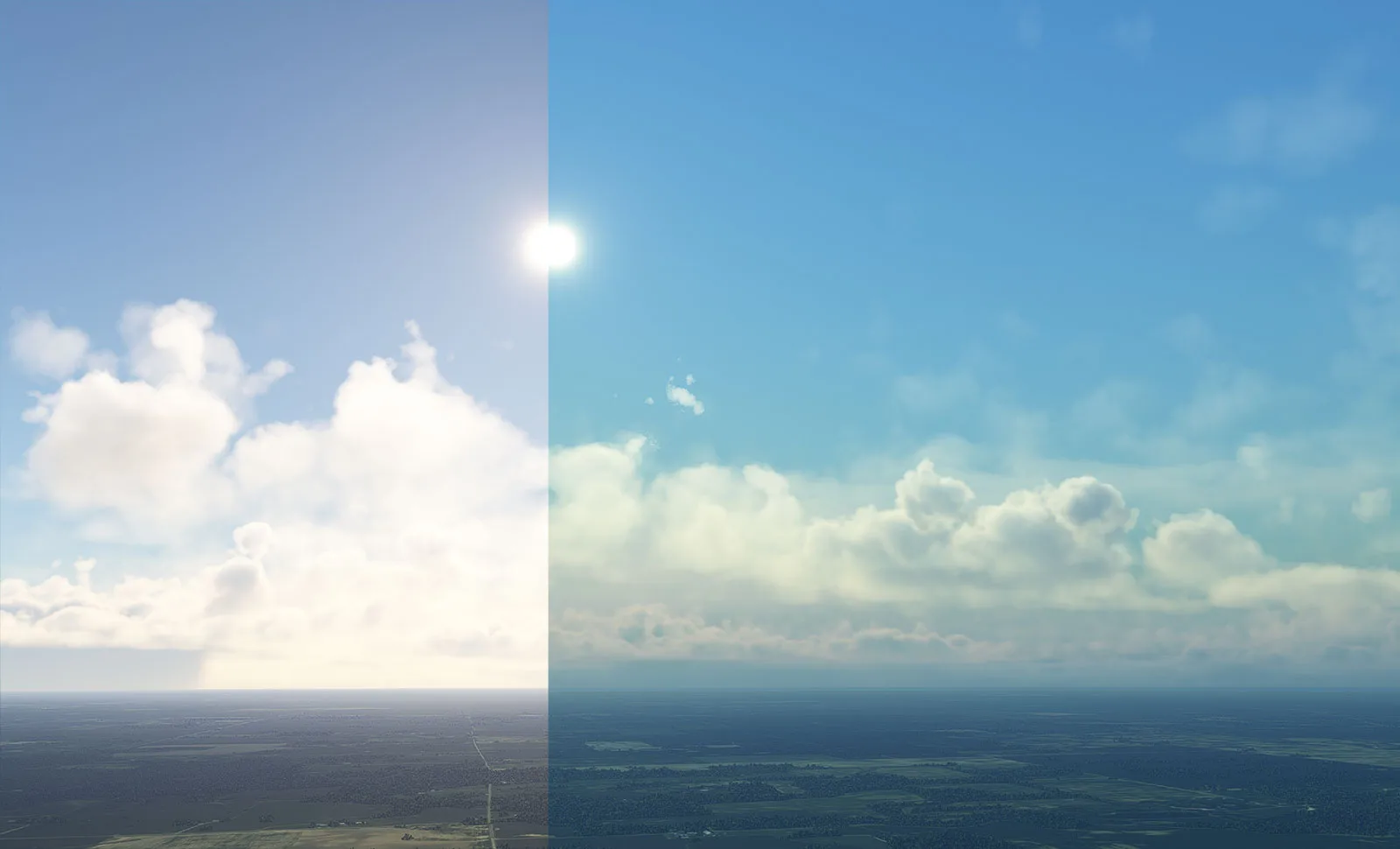
See the transformation
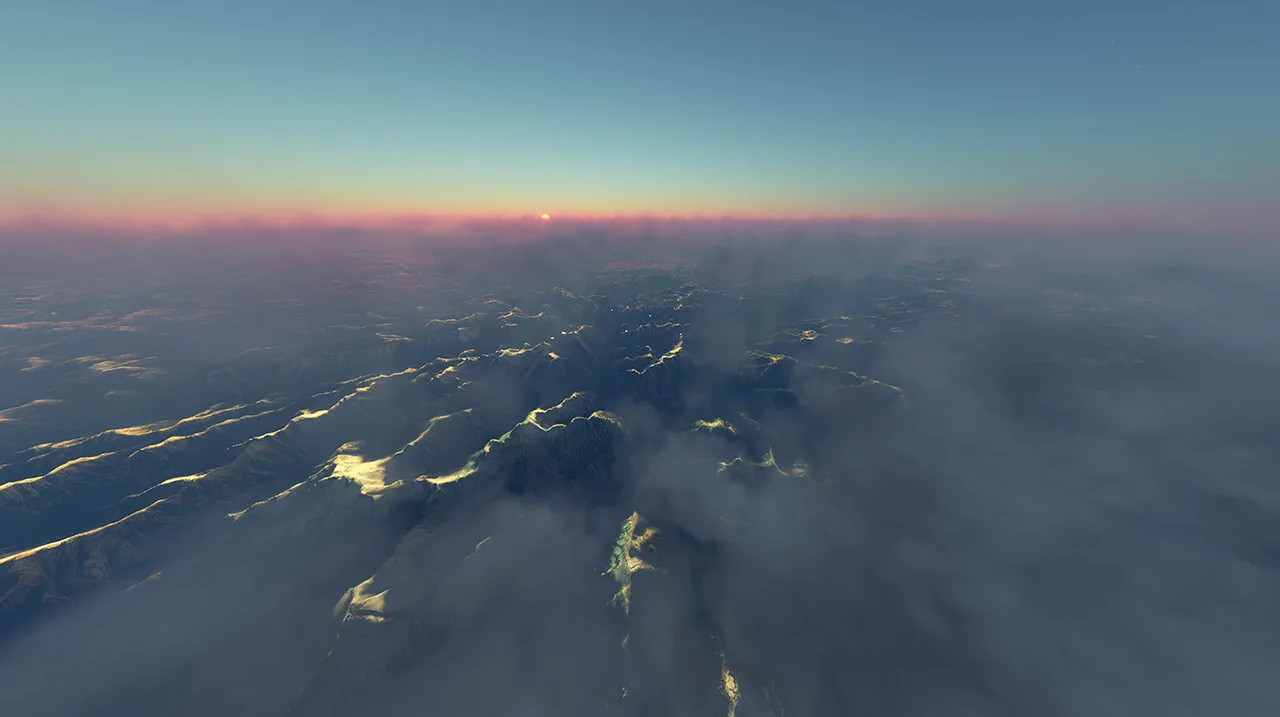
The stunning difference powered by Atmos Legacy — every change made in real time while the sim is running.
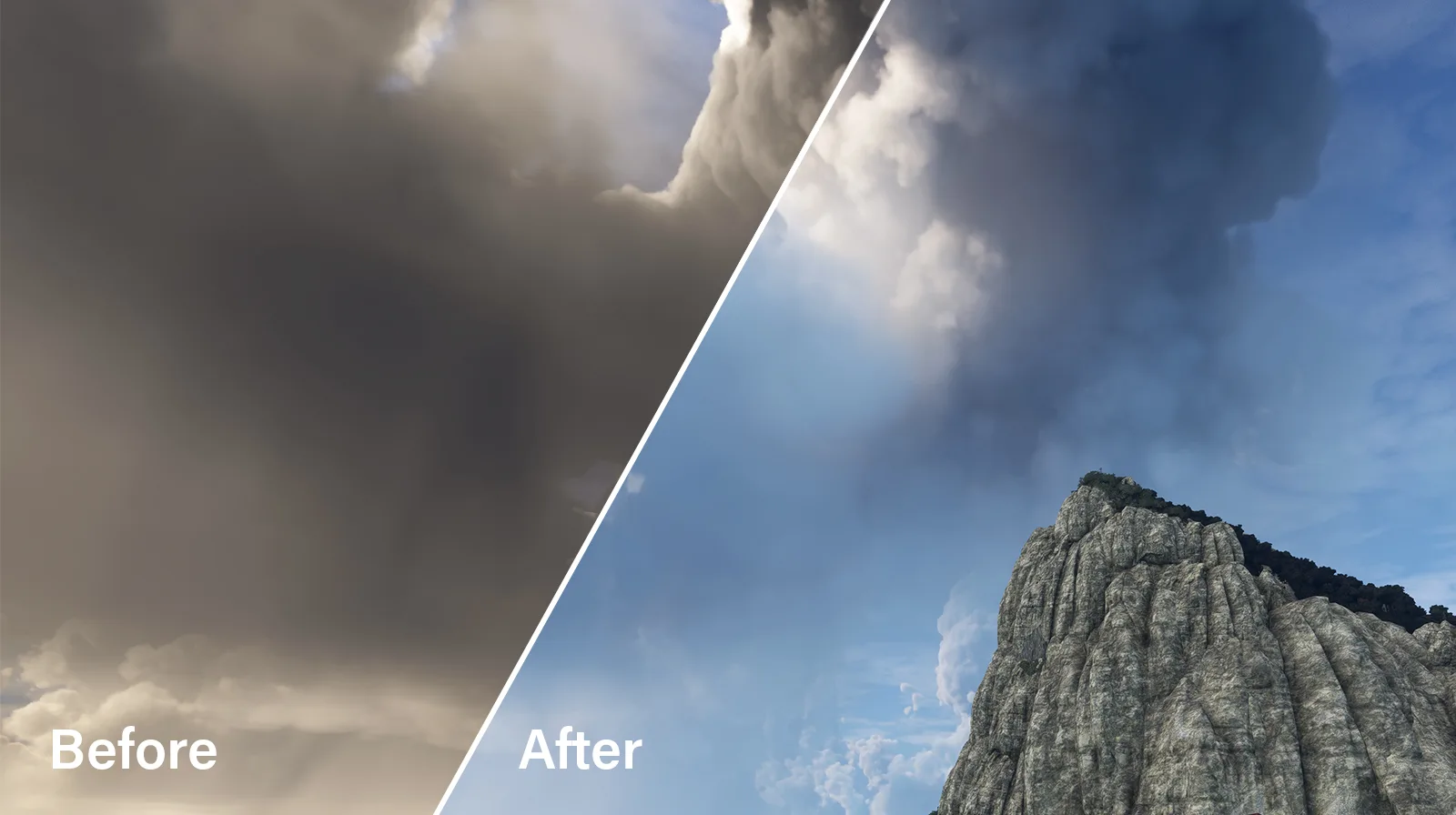
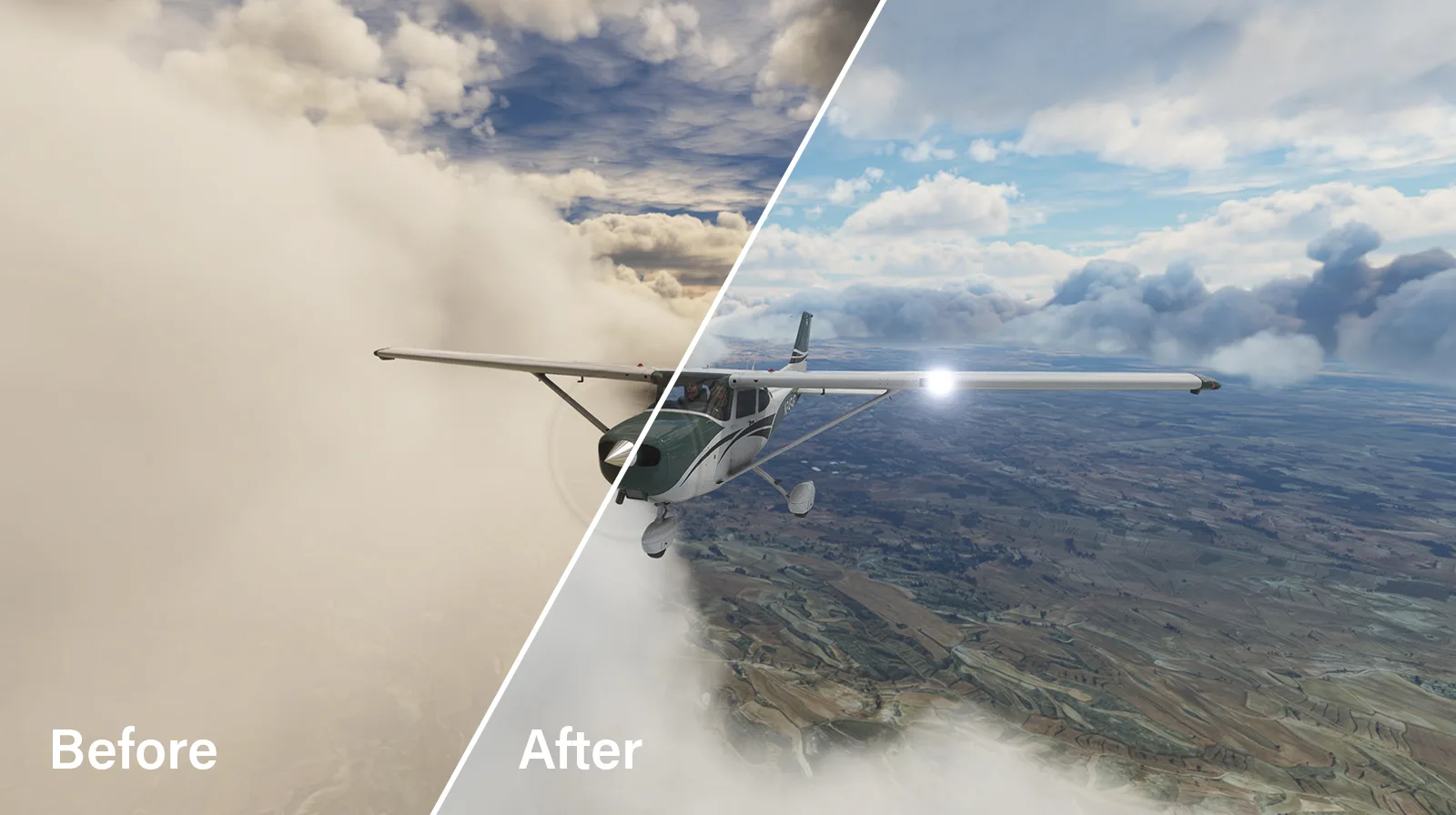
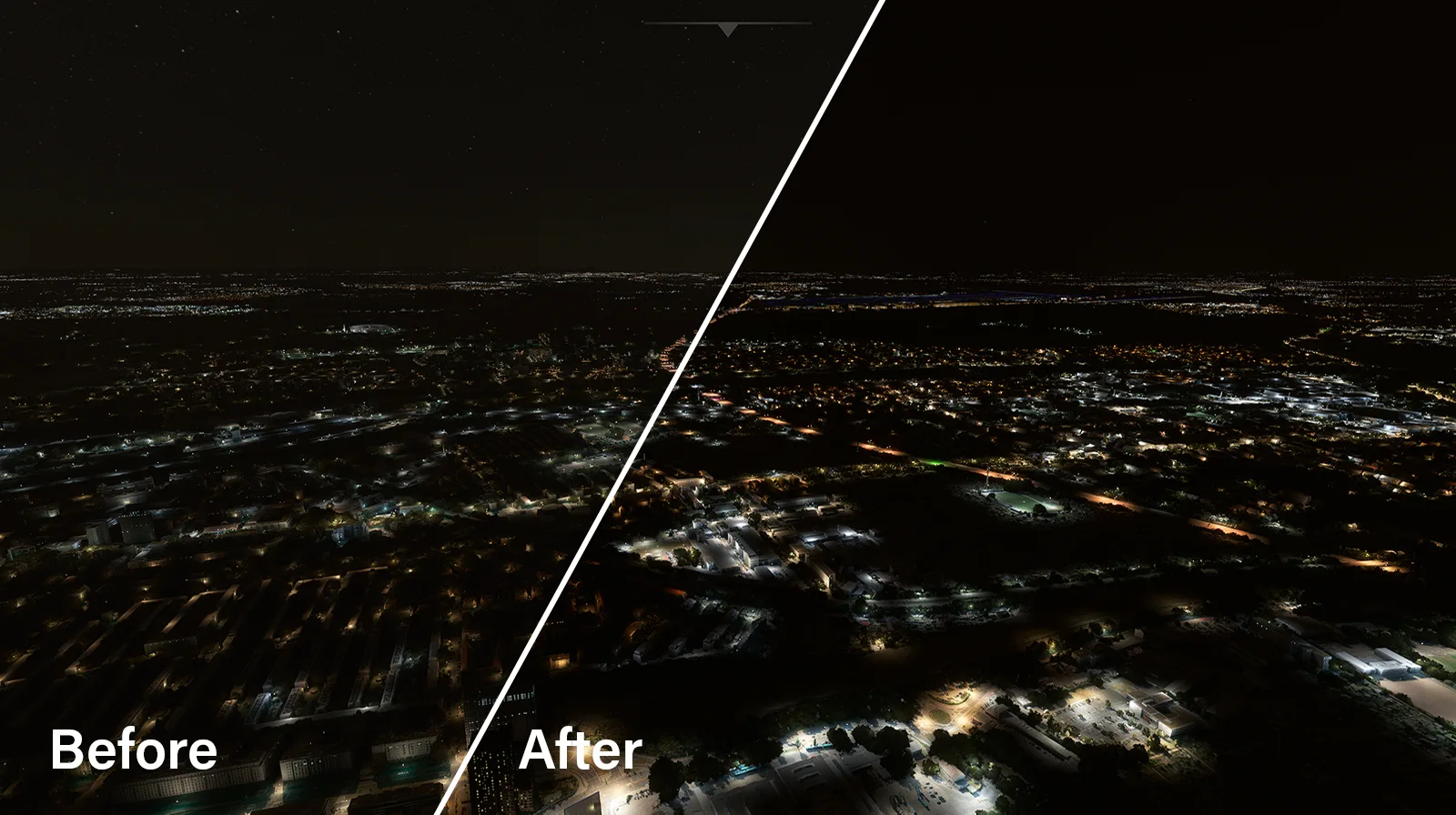
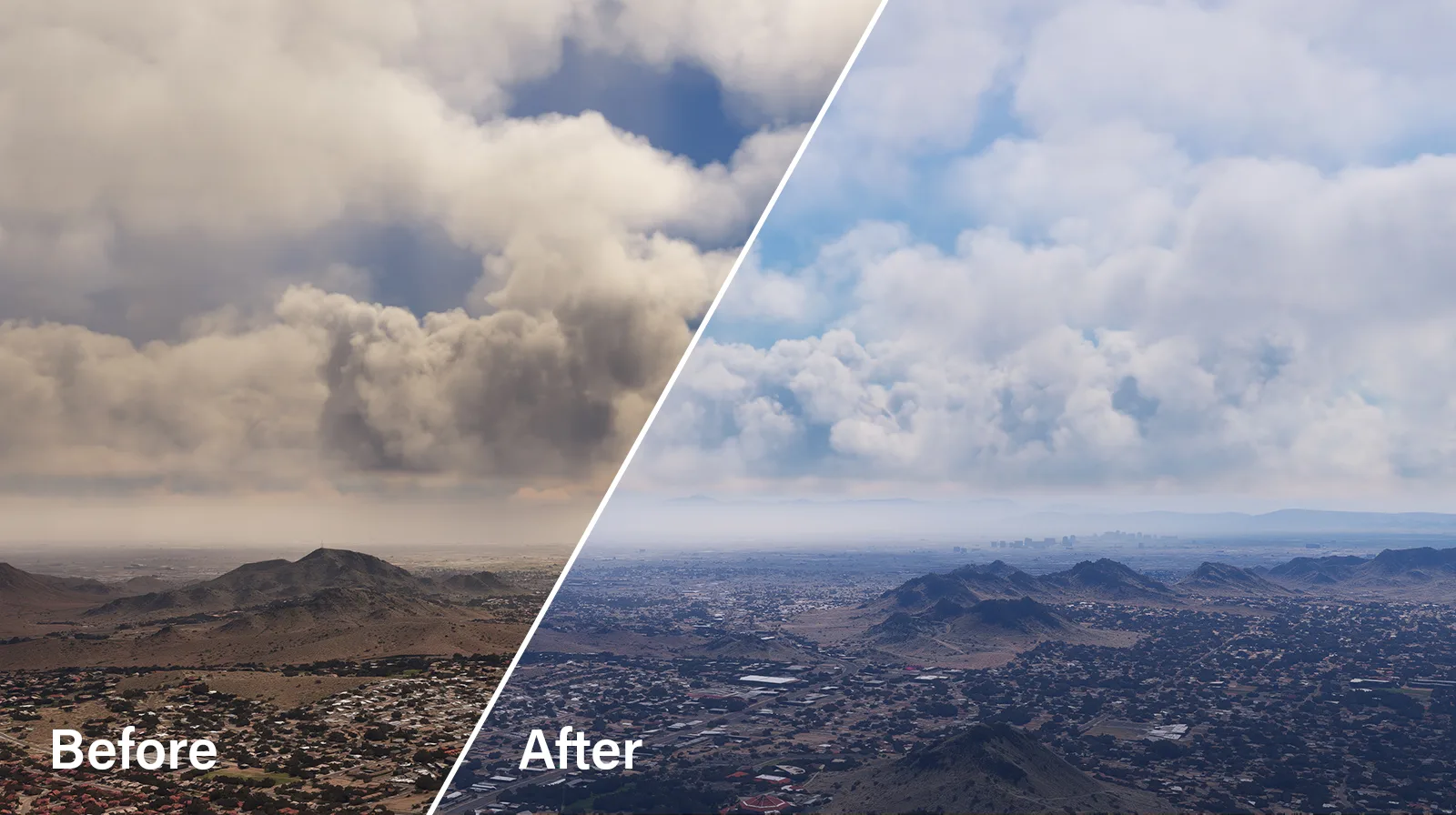
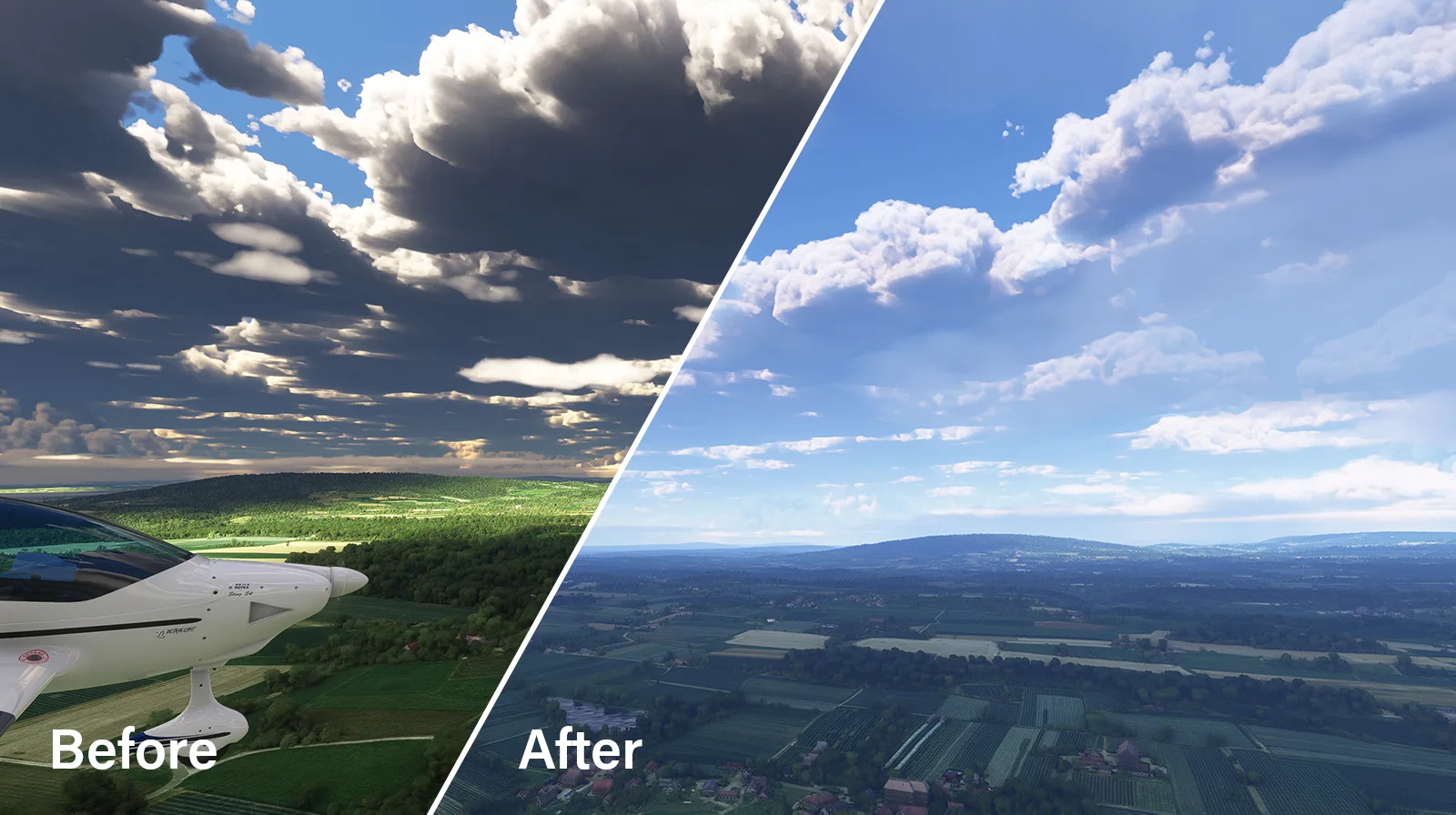
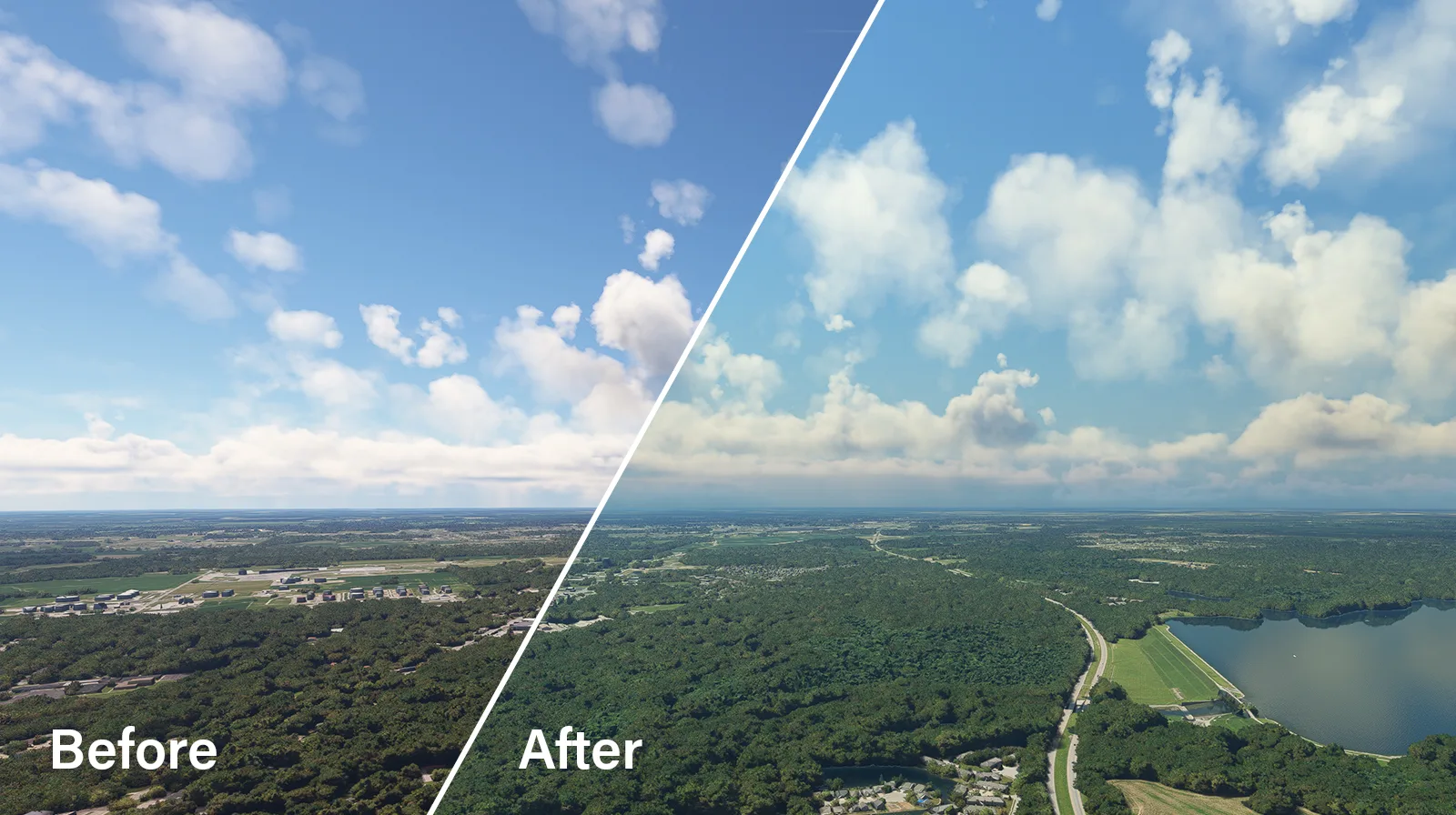
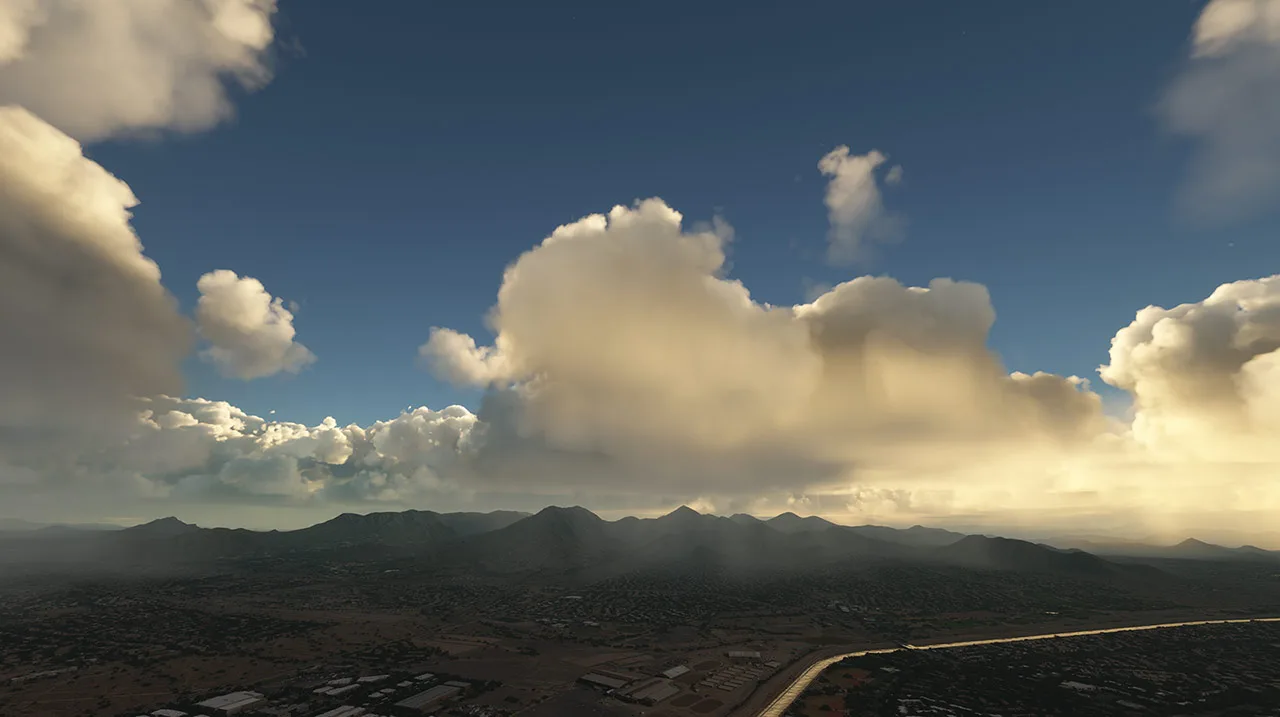
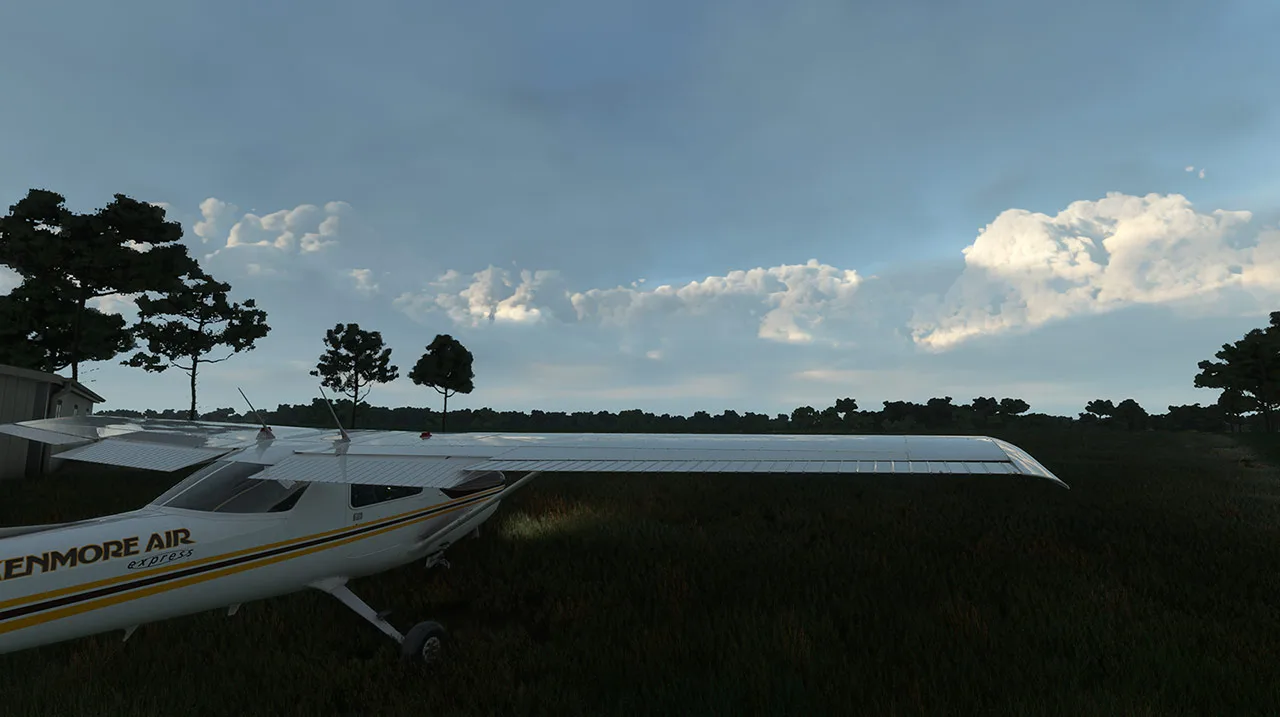
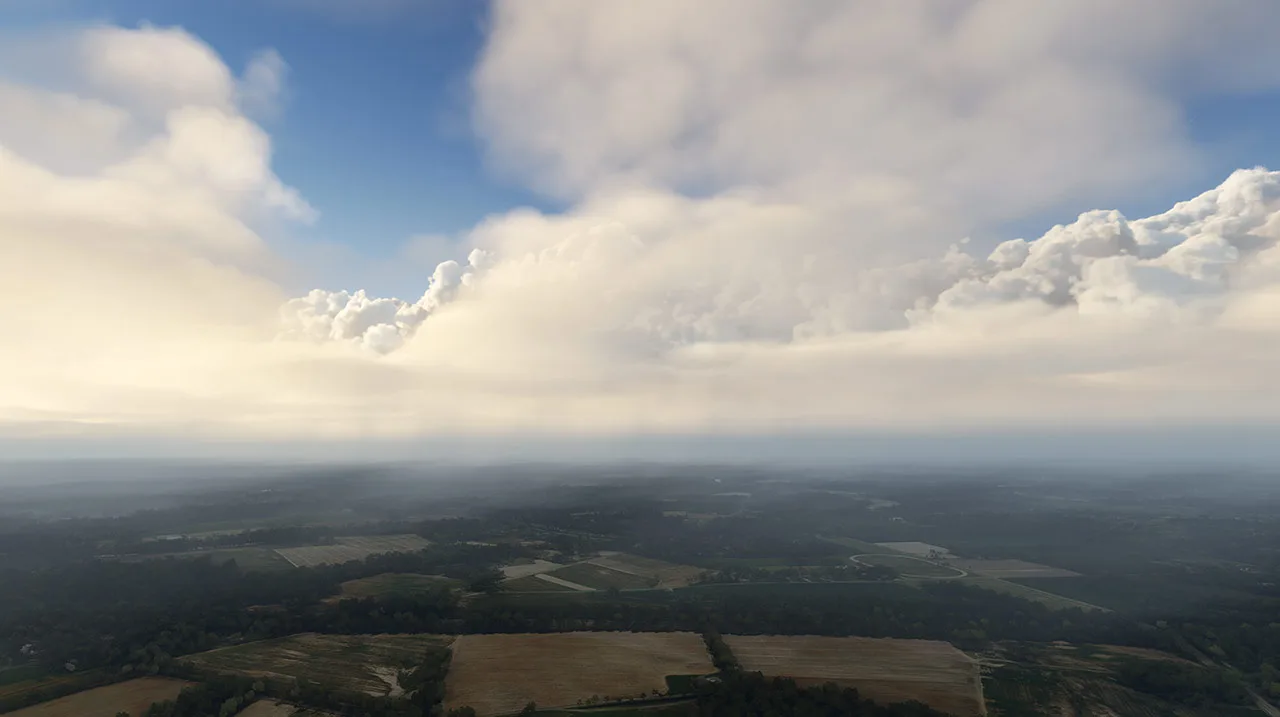
Captured with Atmos Legacy



Atmos Legacy questions
What is Atmos Legacy?
Atmos Legacy is a comprehensive environment enhancement tool for Microsoft Flight Simulator 2020 that enhances weather, atmosphere, and environmental visuals in real-time. It allows you to fully customize your flight simulation experience with dynamic weather scenarios and cloud-based sharing of customized environments.
Does Atmos Legacy support Asobo real-time weather updates?
Yes! Atmos Legacy integrates with real-time weather data, as well as weather presets and add-on weather generators such as REX Weather Force and ActiveSky.
Is Atmos Legacy compatible with other add-ons?
Yes, Atmos Legacy is designed to be fully compatible with all other third-party add-ons, ensuring seamless integration with your existing simulation setup.
Can I create and share my own weather scenarios?
Absolutely. Atmos Legacy includes powerful tools for creating custom weather scenarios, which you can save, share, and even download from other users via our in-app cloud-based sharing system.
How customizable is Atmos Legacy?
Atmos Legacy offers a wide range of customization options so you can tailor to your preferences.
Will Atmos Legacy affect system performance?
Atmos Legacy is designed for smooth performance, even on mid-range systems. When adjusting sliders, there may be a brief pause as the system processes the changes, but once settings are applied, FPS will stabilize and return to normal.
How does Atmos Legacy handle overly dark cloud coloring?
Atmos Legacy includes a unique feature called “Visual Cloud Enhancement,” which improves the visuals of the clouds, including realistic shading.
Do I need an internet connection for Atmos Legacy to work?
Yes, an internet connection is required.
Will Atmos Legacy be available for Microsoft Flight Simulator 2024?
REX Atmos CORE, the next evolution is launching soon for Microsoft Flight Simulator 2024. Built specifically for the new sim, Atmos CORE brings expanded features, deeper control, and enhanced real-time performance. As a thank-you to our existing community, current users of Atmos Legacy for MSFS 2020 will receive a discount at launch!
Can I use Atmos Legacy with Reshade or other filters such as Nvidia Freestyle?
Yes, Atmos Legacy can be combined with other external filters.
Is Atmos Legacy compatible with DX11 and DX12?
Yes, Atmos Legacy is compatible with both DX11 and DX12.
“I can just use Nvidia or other filters instead of Atmos Legacy!”
Atmos Legacy is not a simple filter overlay. Instead, it directly interacts with the simulator environment, creating dynamic, realistic visuals that go beyond the capabilities of traditional filters.
Does Atmos Legacy affect the cockpit interior?
No, Atmos Legacy does not affect the in-cockpit environment.