

Atmos CORE
Total atmospheric control for MSFS 2024. Real-time rendering, engine-level integration and weather tuning — works with Asobo Live Weather, presets and ActiveSky FS.
Own Atmos for MSFS 2020? Get 50% off Atmos CORE — a valid Atmos 2020 license unlocks the discount.
This is not a shader trick.
Atmos CORE is a deeply integrated system that works inside Microsoft Flight Simulator 2024 — not on top of it. Changes are injected directly into the engine, so what you see responds naturally to the world, in real time.

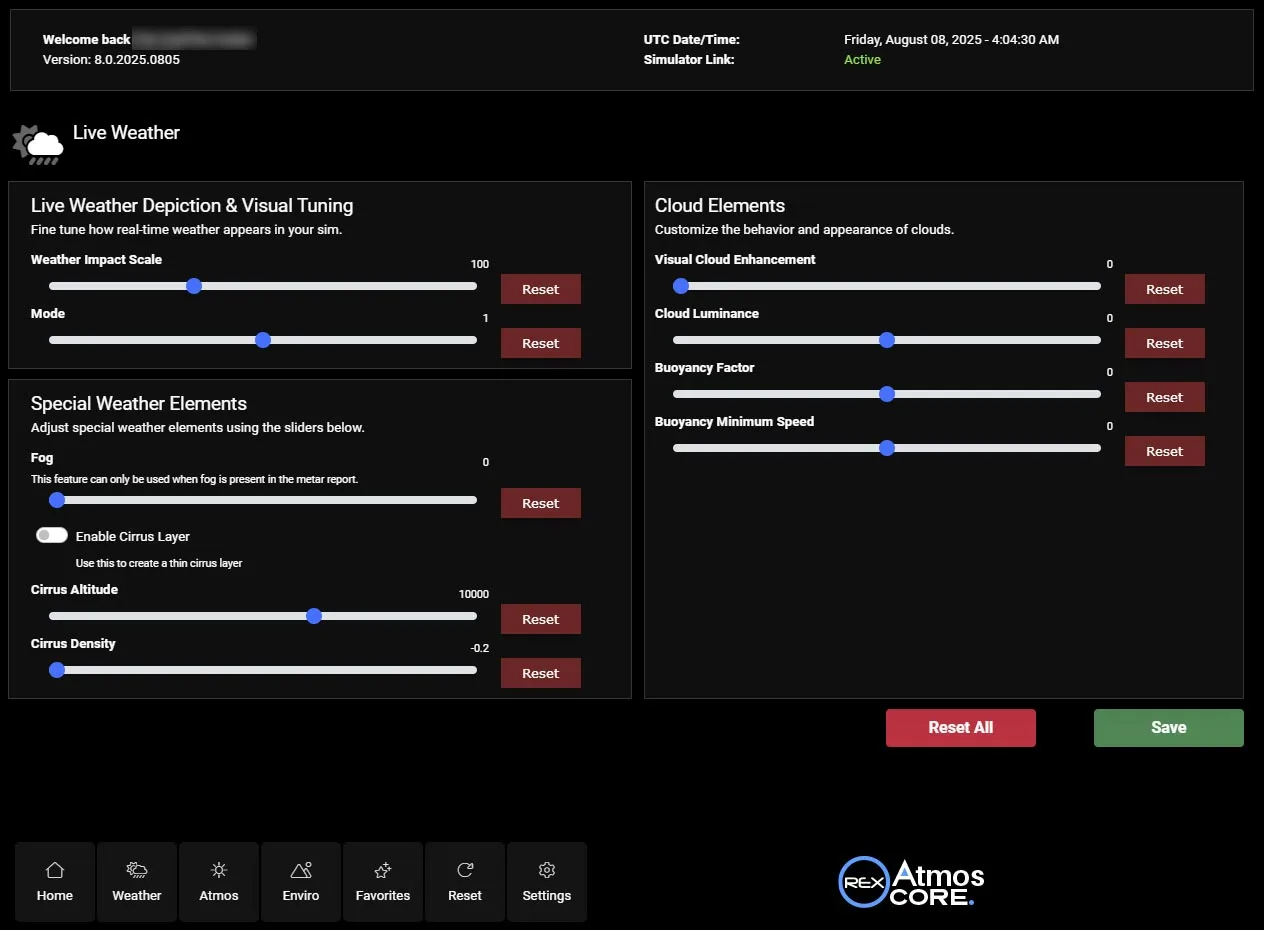
Depiction & Visual Tuning
This allows visual fine-tuning of real-time weather and how it's physically rendered. Adjust Weather Impact Modes to control how strongly live conditions influence atmospheric behavior.
- Visual fine-tuning of real-time weather
- Weather Impact Modes for live conditions
- Physically rendered results
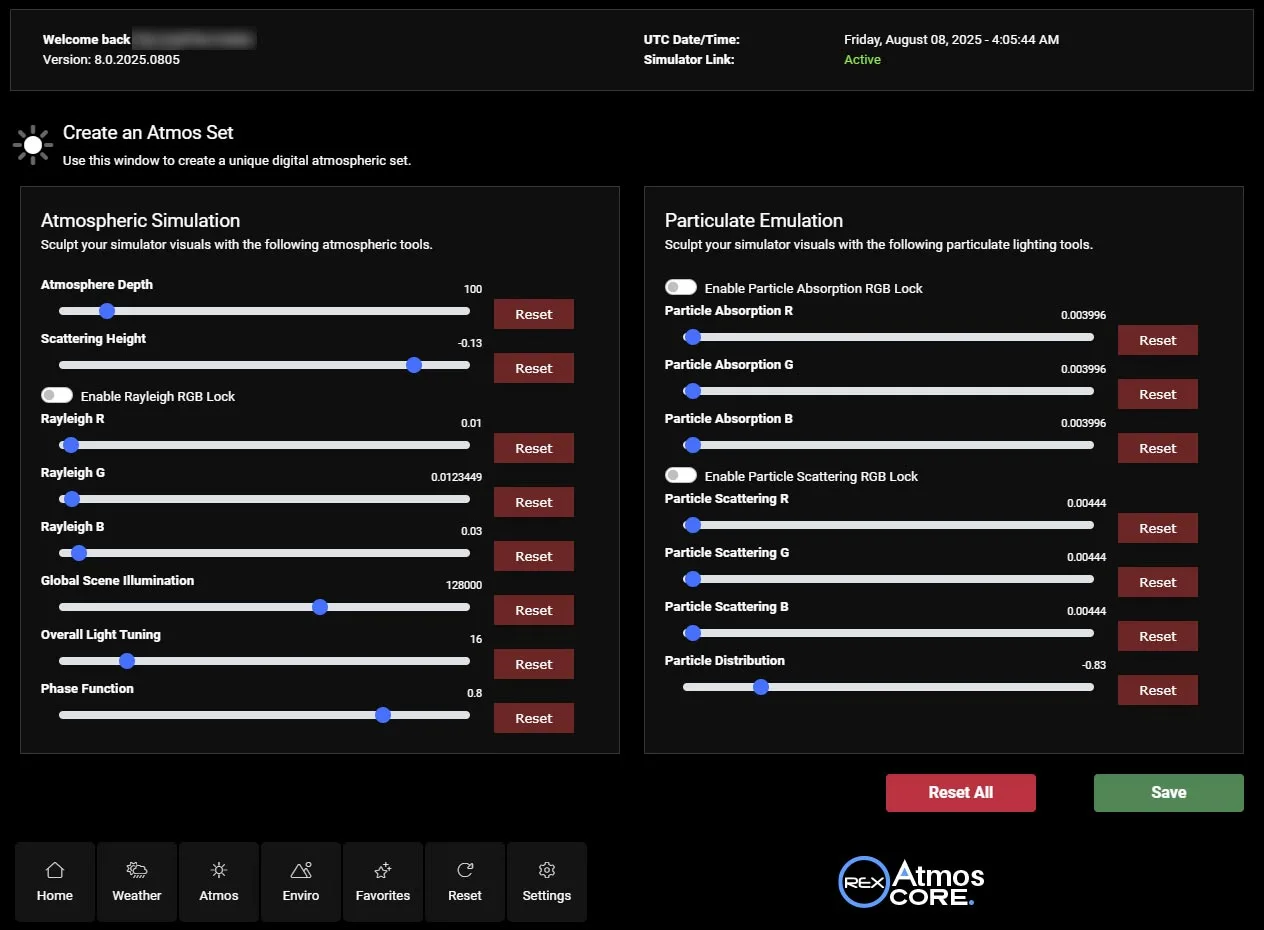
Control Like Never Before
Simulate realistic atmospheric layers, tune scattering height and Rayleigh RGB values, and control light phase functions to achieve a better horizon behavior. Realistic haze, dust, and moisture can be added using the built-in Particulate Simulation Engine, allowing you to replicate a wide variety of air quality conditions including pollution, mist, or dry heat.
- Tune scattering height & Rayleigh RGB values
- Control light phase functions for horizon behavior
- Particulate Simulation Engine: haze, dust & moisture
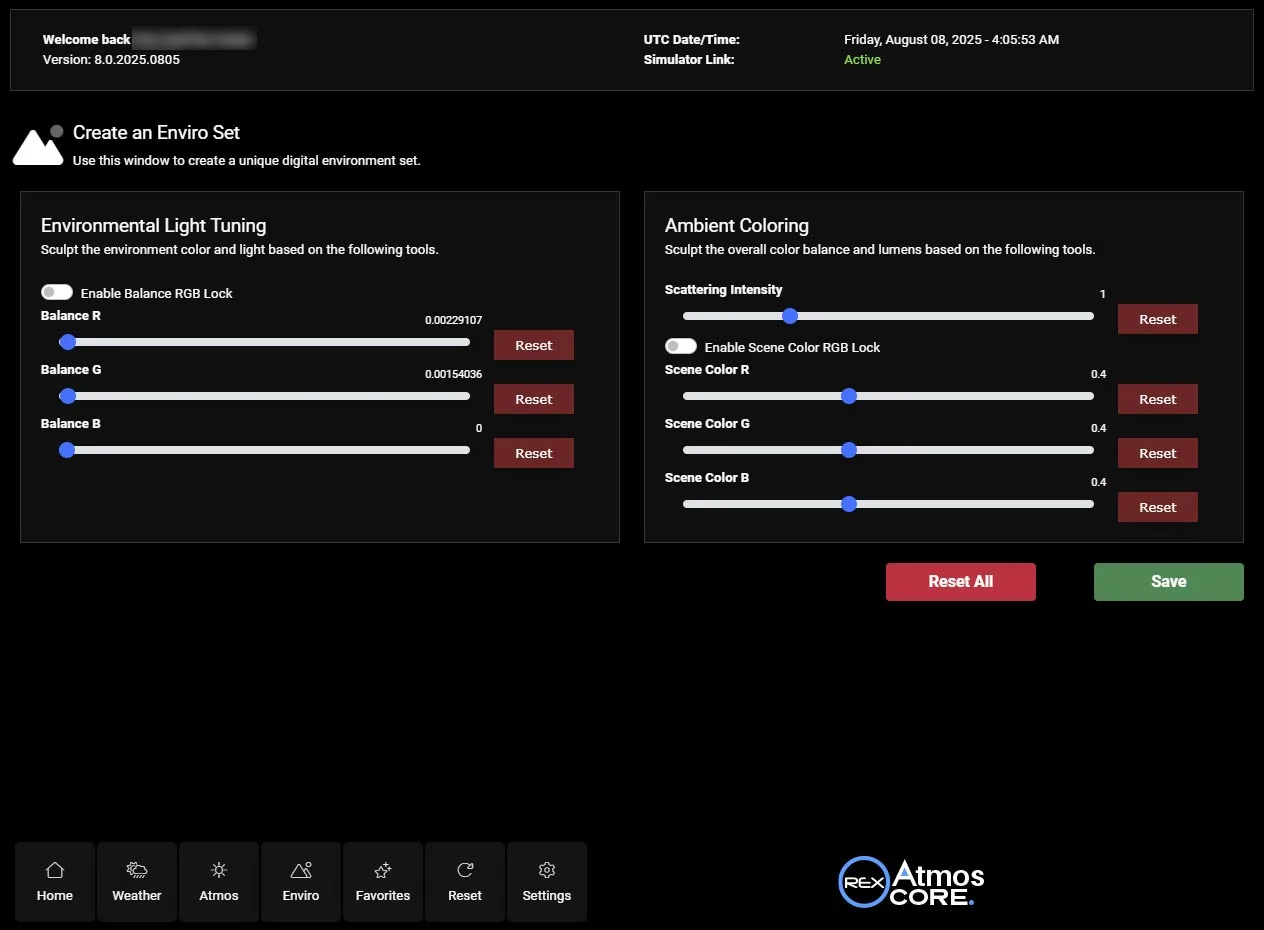
Transform Light and Color
Refine how color behaves across the environment. Adjust ambient light tinting, and global tone to control how the world responds to different conditions. Lock channels for precise coloring or edit each individually for complete freedom.
- Adjust ambient light tinting & global tone
- Lock channels for precise coloring
- Edit each channel individually for full freedom
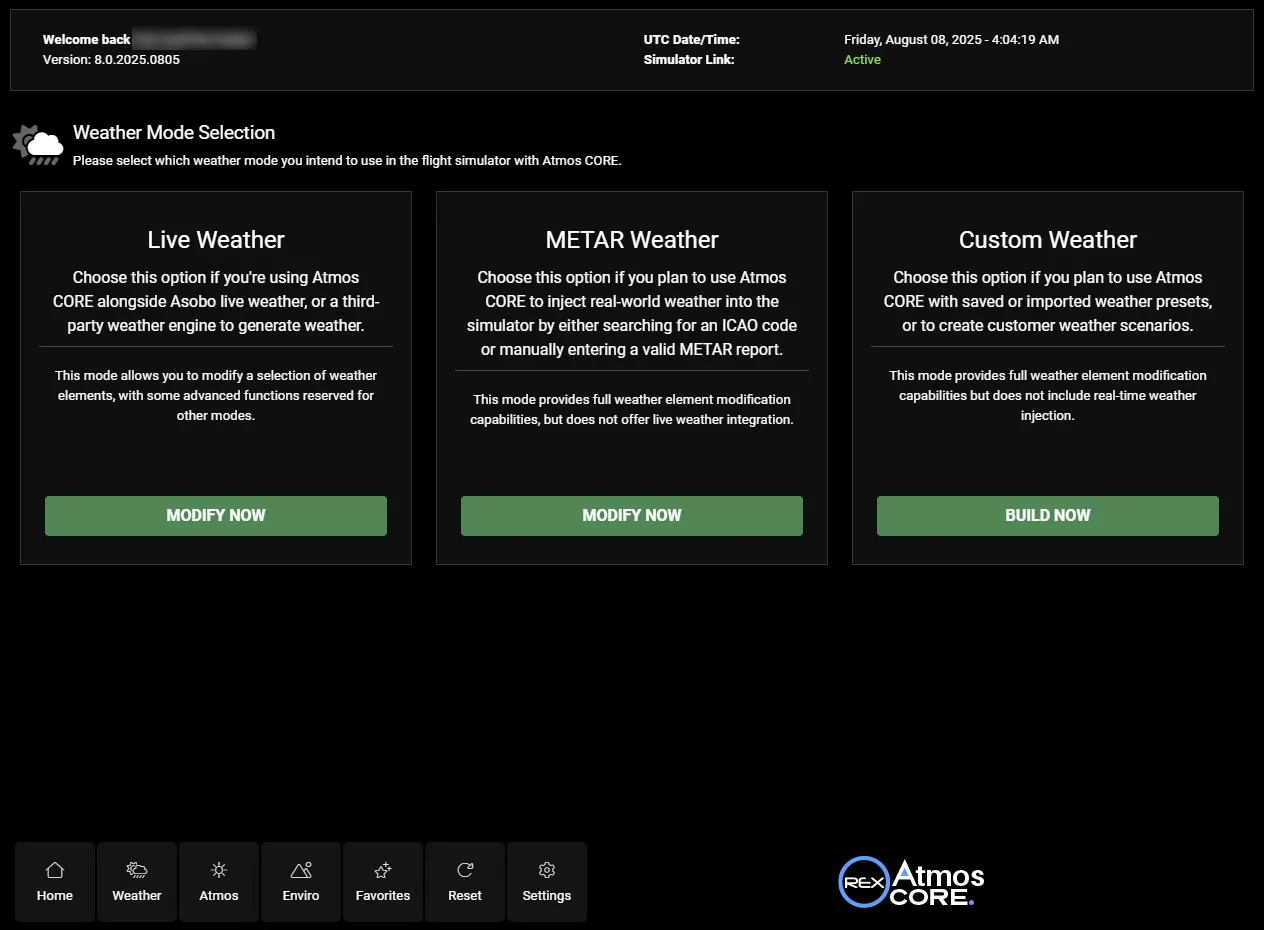
Create & Share Custom Weather
Create fully customized and detailed weather environments. Save and share them exclusively with other Atmos CORE users. Once shared, others can experience the same weather conditions in realtime. Multiplayer realism re-defined!
- Create fully customized weather environments
- Save & share with other Atmos CORE users
- Shared weather in real time — multiplayer realism
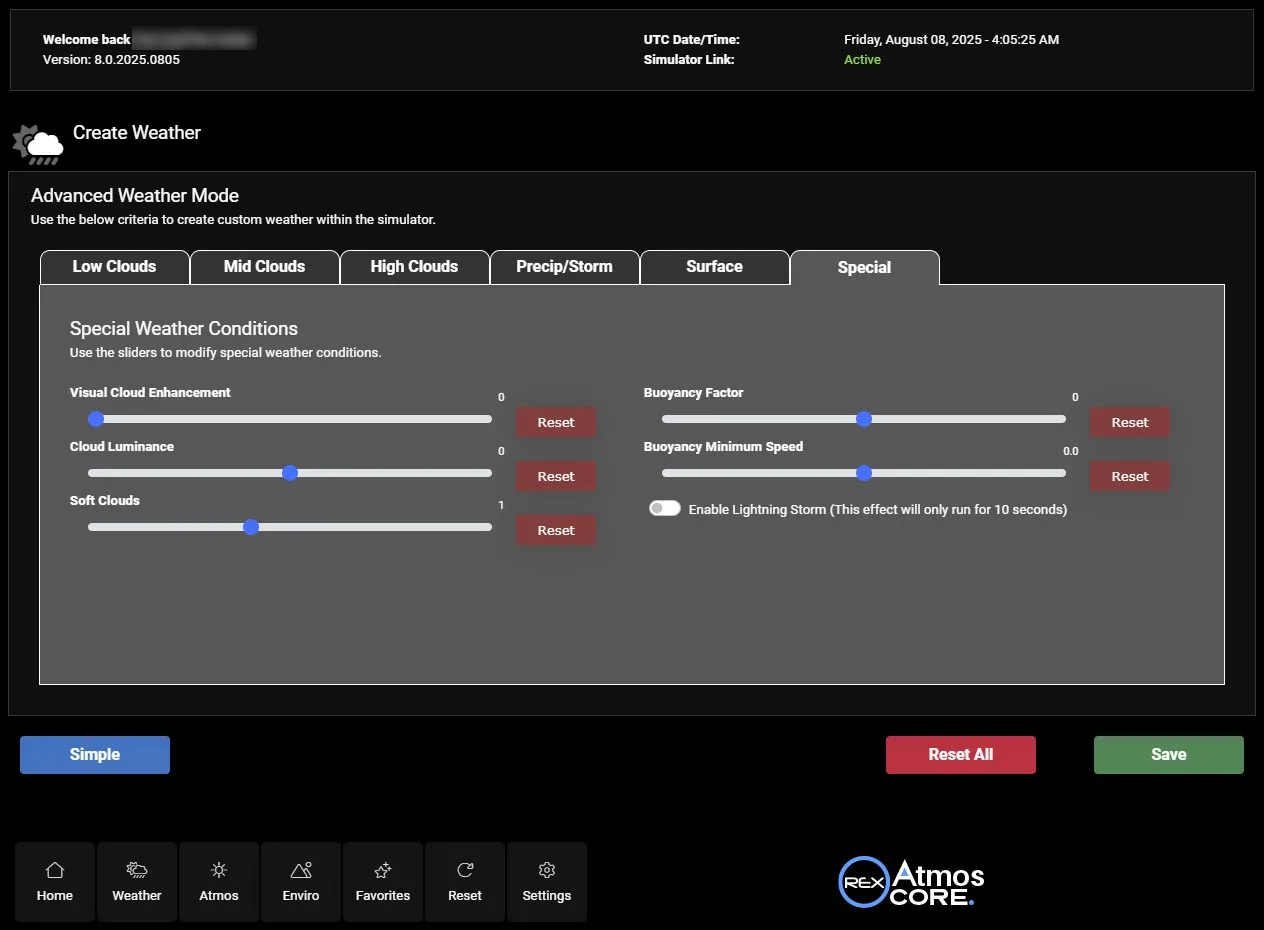
Save, Autoload & Sync to the Cloud
All modules include a SAVE feature, allowing you to save the looks and/or weather you created. Presets can autoload at launch, and all data is safely stored both locally and in the cloud for peace of mind across reinstalls or device changes.
- SAVE feature in every module
- Presets autoload at launch
- Stored locally and in the cloud
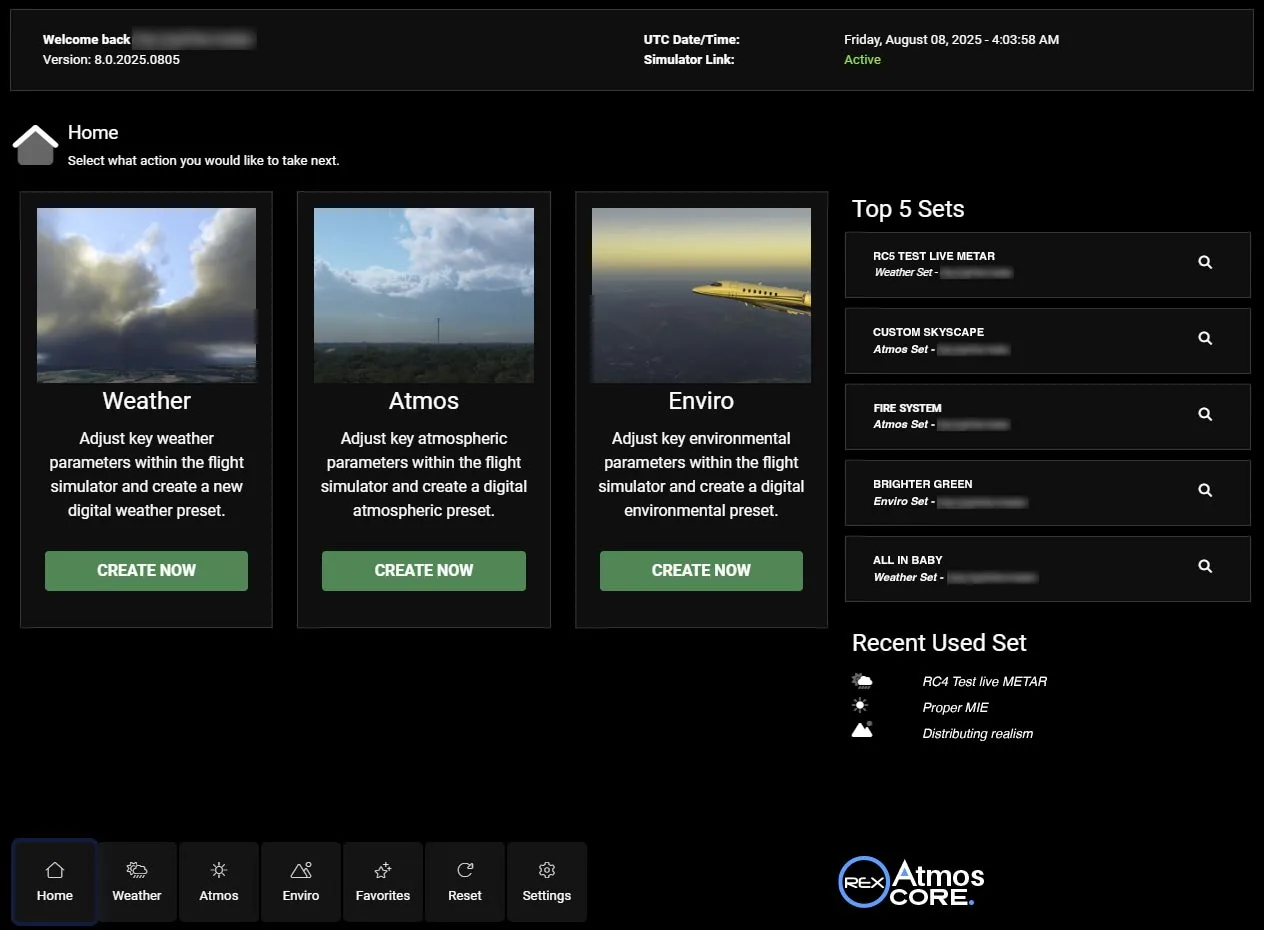
Inside the Sim, Not on Top
This is not a shader trick. Atmos CORE is a deeply integrated system that works INSIDE (not on top) Microsoft Flight Simulator 2024. Every feature is grounded in physically based modeling. Real-time feedback ensures what you see is what you get, with no guesswork.
- Works inside MSFS 2024, not on top
- Physically based modeling throughout
- Real-time feedback — what you see is what you get
Everything in Atmos CORE
Real-time core integration
Changes injected directly into the MSFS 2024 engine — not surface-level filters.
Immediate visual feedback
Instantly see the impact of every adjustment — zero guesswork.
True-to-life atmospherics
Physically-based modeling of weather, lighting and cloud behavior.
Modular interface
Dedicated Weather, Atmosphere and Enviro modules in one clean UI.
Safe & non-destructive
Your simulator files are preserved and restored on exit.
Future-ready
Upcoming REX Weather CORE integration and in-flight dynamic evolution.
Real experiences, from real simmers
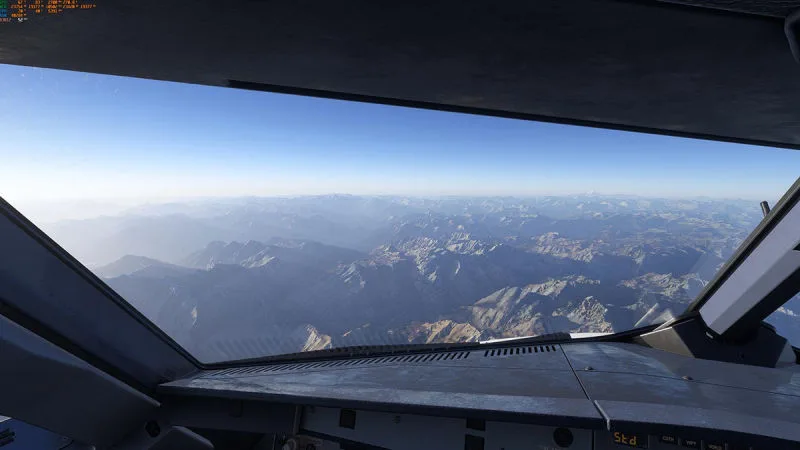
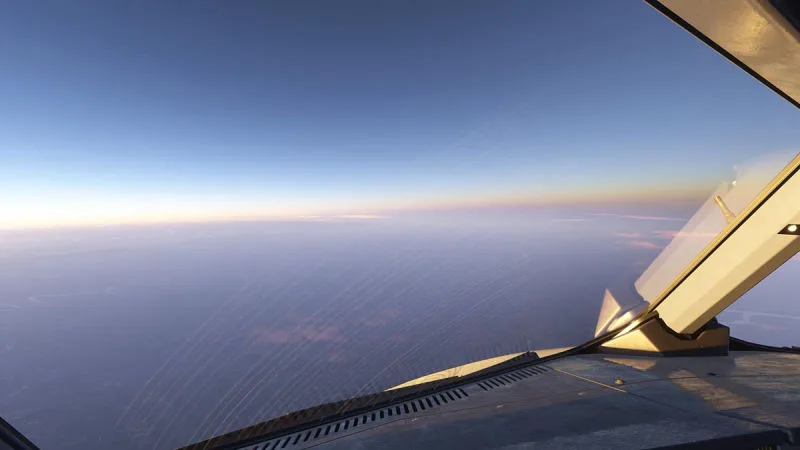
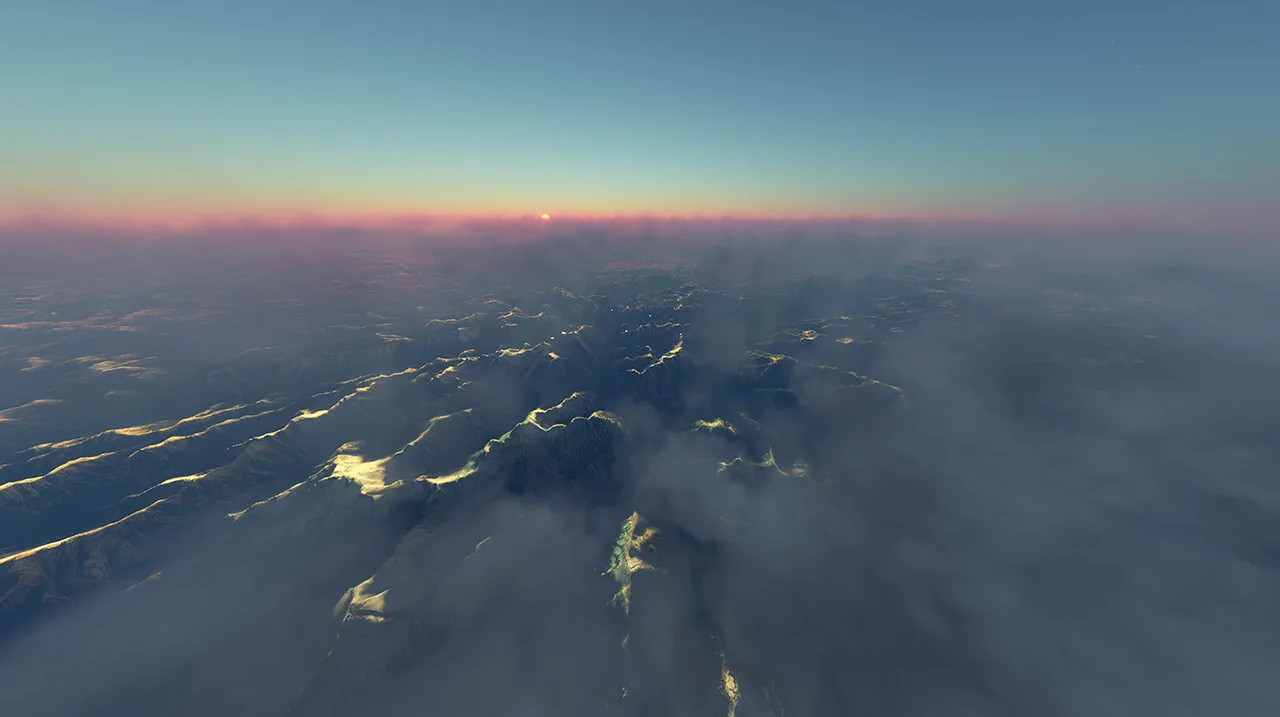
Stunning skies captured with Atmos CORE in Microsoft Flight Simulator 2024.



































Atmos CORE questions
What is REX Atmos CORE?
Atmos CORE is a powerful real-time atmospheric, weather, and environmental engine built specifically for Microsoft Flight Simulator 2024. It redefines how the simulator handles live, preset or Activesky FS weather, cloud behavior, lighting, and atmospheric rendering by allowing you full visual and physical control, directly at the core level of the sim. Atmos CORE isn’t just a filter overlay like ReShade and Nvidia Filters, it injects changes directly into the simulator’s engine producing real-time results that respond naturally to the environment. Whether tuning for realism, cinematic style, or complex environmental behavior, CORE gives you tools to craft an experience uniquely yours.
Does Atmos CORE support Asobo real-time weather updates?
Yes! Atmos CORE integrates with real-time weather data, as well as weather presets and add-on weather generators such as ActiveSky FS.
Is Atmos CORE compatible with other add-ons?
Yes, Atmos CORE is designed to be fully compatible with all other third-party add-ons, ensuring seamless integration with your existing simulation setup.
Can I create and share my own weather scenarios?
Absolutely. Atmos CORE includes powerful tools for creating custom weather scenarios, which you can save, share, and even download from other users via our in-app cloud-based sharing system.
How customizable is Atmos CORE?
Atmos CORE offers a wide range of customization options so you can tailor to your preferences.
Does Atmos CORE affect system performance?
Atmos CORE is designed for smooth performance, even on mid-range systems. When adjusting sliders, there may be a brief pause as the system processes the changes, but once settings are applied, FPS will stabilize and return to normal.
Do I need an internet connection for Atmos CORE to work?
Yes, an internet connection is required.
Can I use Atmos CORE with Reshade or other filters such as Nvidia Freestyle?
Yes, Atmos CORE can be combined with other external filters.
Is Atmos CORE compatible with DX11 and DX12?
Yes, Atmos CORE is compatible with both DX11 and DX12.
"I can just use Nvidia filters or ReShade instead of Atmos CORE!"
Filters like ReShade sit on top of the sim. Atmos CORE operates within it, enabling true real-time control and physics-driven visuals filters can’t match.
Available at trusted retailers
Own Atmos for MSFS 2020? You qualify for 50% off — a valid Atmos 2020 license unlocks the discount.
Take command of the atmosphere.
Experience MSFS 2024 the way it was meant to look — in real time.